Stay in Control of Every Expense helps teams run accounting & tax workflows with clarity and control. Capture requests, route approvals, and enforce policy controls before money leaves your business.
Stay in Control of Every Expense
Capture requests, route approvals, and enforce policy controls before money leaves your business.
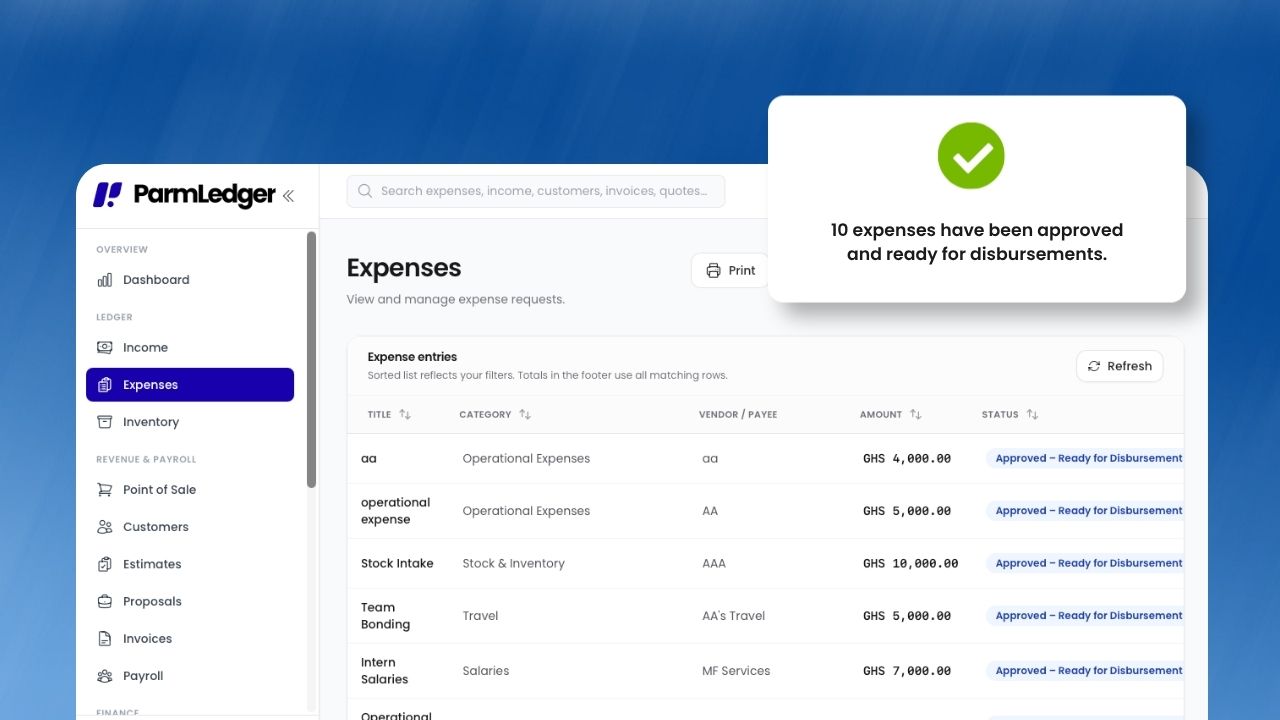
What Expense & Approvals does
Instead of using disconnected spreadsheets, emails, and approvals, your team works from one structured process. Core capabilities include multi-level approval routing with flexible roles, auditor gates before and after final approval, receipt capture, categories, and multi-currency support, so operations stay consistent as the business grows.
This means leaders get better visibility, teams spend less time on manual coordination, and finance decisions are made using reliable data rather than assumptions.
What's inside
A closer look at everything Expense & Approvals includes today.
Public department request forms
NewShare a link with a department so people can request money without logging in. Each request lands in Expenses and goes through your normal approval chain.
- One shareable link per department, with a default expense category
- Optional message telling requesters what to include
- Regenerate the link at any time if it was shared too widely
Fine-grained team permissions
NewStart from a role, then switch individual permissions on or off for each person, so access matches what they actually do.
- Per-person overrides for adding, approving, and auditing expenses
- Branch assignments limit which branches each member can see
- Branch managers receive expense notifications for their branch
Approval workflow
Multi-level approvals with auditor gates before and after final approval, finance remarks, and a full audit trail.
- Bulk approve or complete many expenses at once, with ineligible items skipped
- Payment voucher PDF with payee, payment, authorization, and acknowledgement sections
- Anomaly checks can block approval until issues are resolved
Capture and categorize
Receipts, categories with optional subcategories, departments, projects, and branches on every expense.
- Subcategories for more detailed reporting
- Opening balances when you move over from another system
- Deleted items stay in a recycle bin for 30 days
How it works in your business
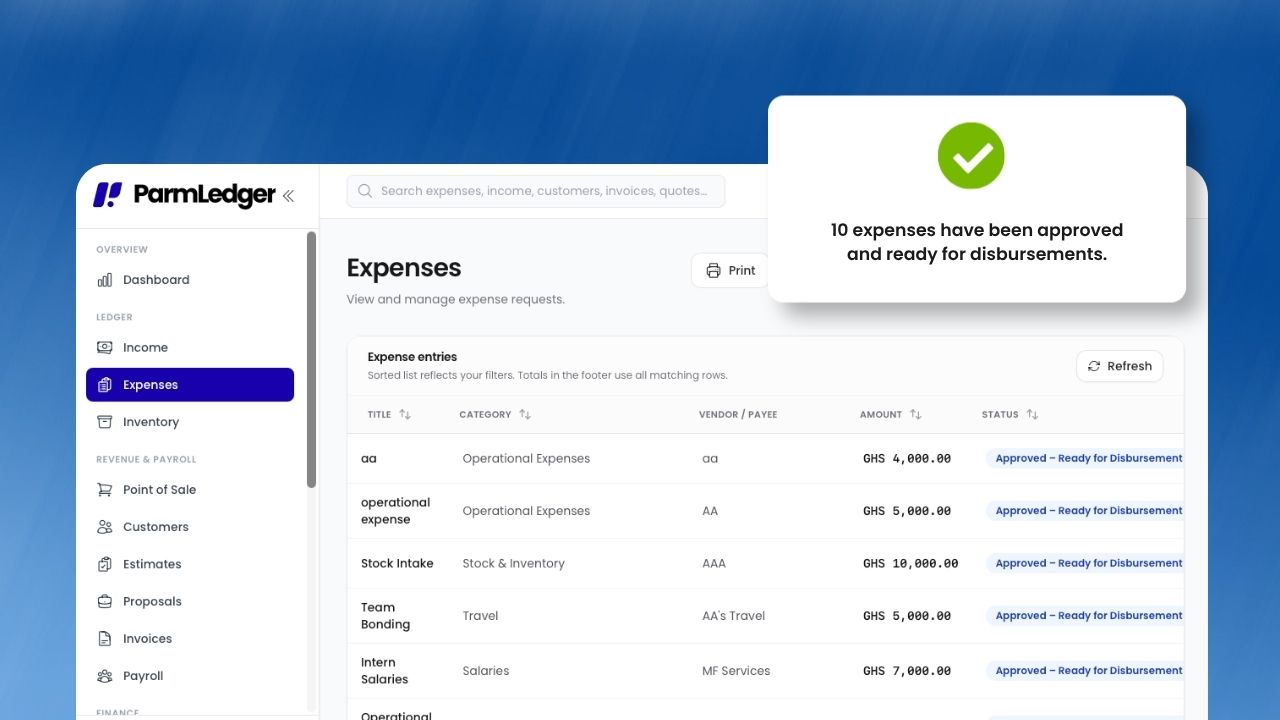
Step 1: Multi-level approval routing with flexible roles
Assign approval levels to team members — not rigid job titles. Owners, approvers, and auditors each get the access they need.
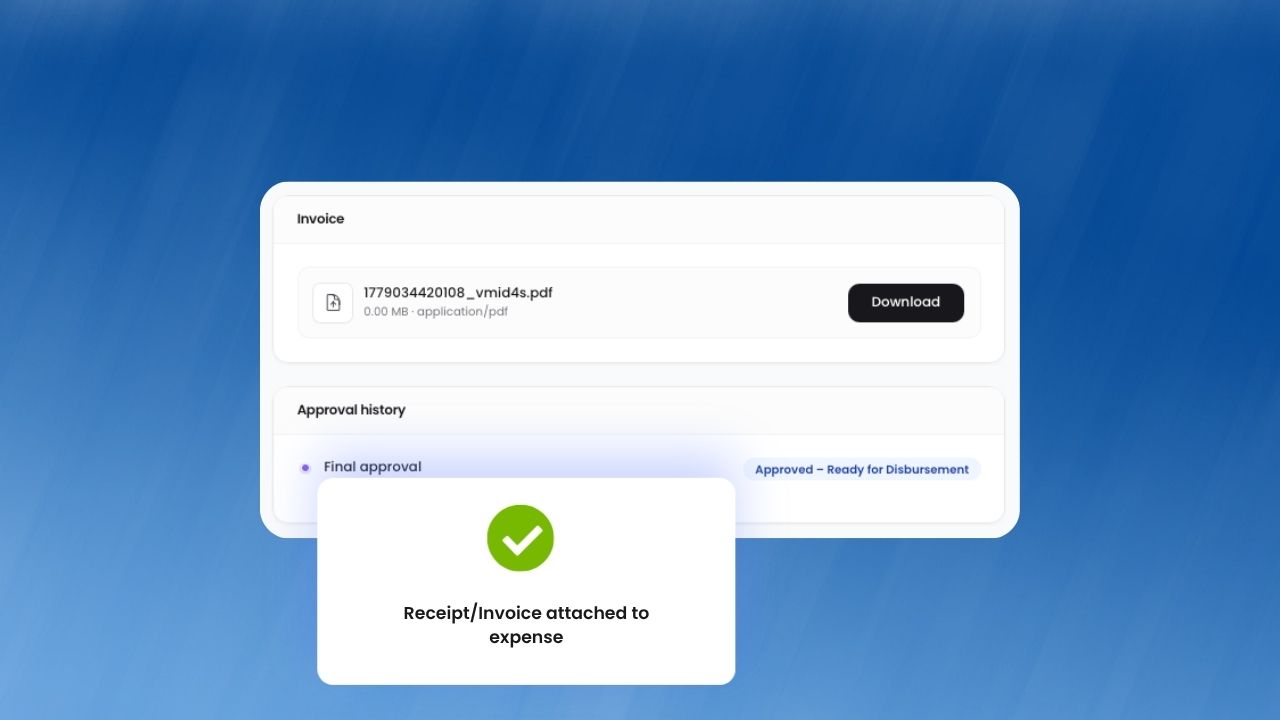
Step 2: Auditor gates before and after final approval
Employees submit expenses with receipts; approvers review from a central queue. Auditors can gate records at pre-first, pre-final, or post-final stages.
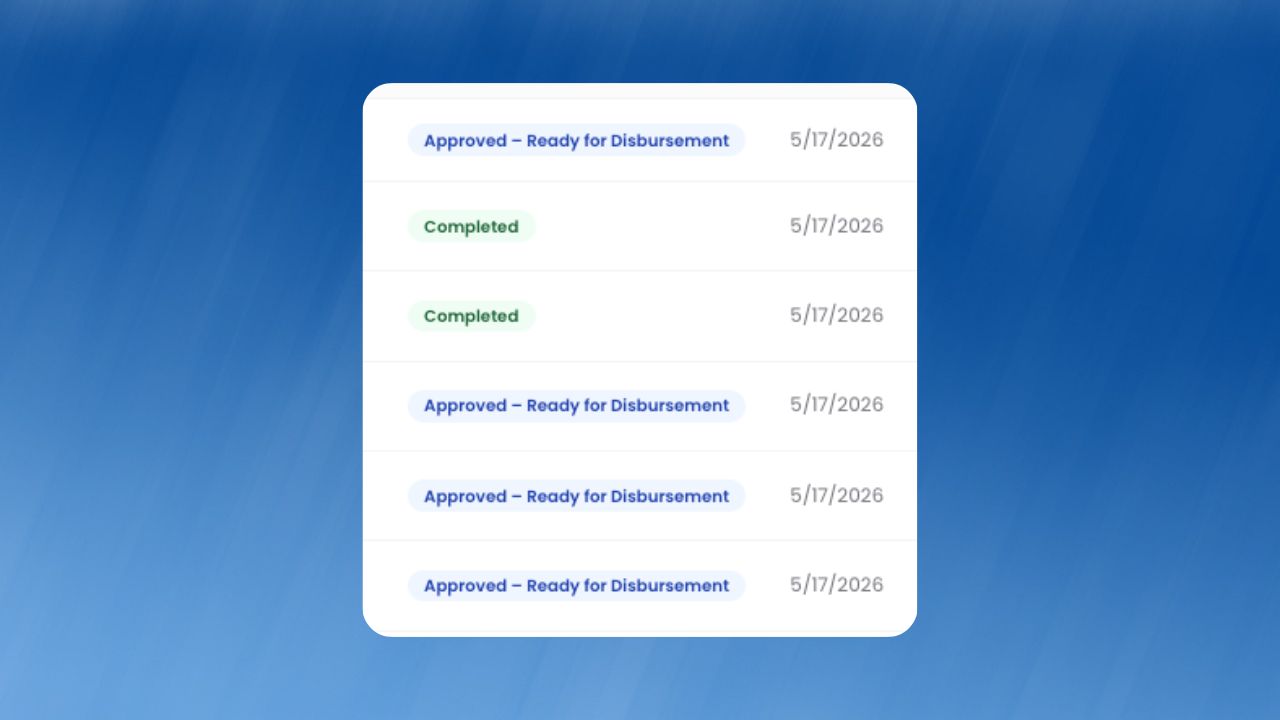
Step 3: Receipt capture, categories, and multi-currency support
Approved expenses flow into your ledger and reports automatically, with a full audit trail for every action.
How businesses benefit
Business impact 1
Reduce unauthorized spend by replacing manual back-and-forth with a single workflow that is easier to monitor, easier to audit, and easier to scale.
Business impact 2
Accelerate reimbursements by replacing manual back-and-forth with a single workflow that is easier to monitor, easier to audit, and easier to scale.
Business impact 3
Improve compliance readiness by replacing manual back-and-forth with a single workflow that is easier to monitor, easier to audit, and easier to scale.
Works well with
Built for growing teams
Run expense & approvals with less friction and more confidence.
ParmLedger gives finance and operations teams one reliable operating layer. You spend less time fixing process gaps and more time improving profitability, compliance, and execution speed.