Full General Ledger Built Into Your Workflow helps teams run accounting & tax workflows with clarity and control. Configure a chart of accounts, auto-post from approved activity, reconcile balances, and produce audit-ready financial statements — without a separate accounting system.
Full General Ledger Built Into Your Workflow
Configure a chart of accounts, auto-post from approved activity, reconcile balances, and produce audit-ready financial statements — without a separate accounting system.

What General Ledger does
Instead of using disconnected spreadsheets, emails, and approvals, your team works from one structured process. Core capabilities include configurable chart of accounts, automatic journal posting from approved transactions, bank reconciliation and ledger health checks, so operations stay consistent as the business grows.
This means leaders get better visibility, teams spend less time on manual coordination, and finance decisions are made using reliable data rather than assumptions.
What's inside
A closer look at everything General Ledger includes today.
Month-end close
NewSoft-close a month to warn the team, then hard-close it to lock journals. Reopen with a recorded reason if a prior-period correction is needed.
- Fiscal year close moves net income to retained earnings
Opening balances
NewBring over cash, receivables, payables, stock, and other balance-sheet accounts from your old system, then carry on working as usual.
- Set balances per branch or for all branches together
- Owners can edit a posted conversion to fix mistakes or add missed records
- Debits and credits must balance before posting
Reconciliation
Reconcile bank and mobile money statements against your ledger, and review cash movements per payment account and per branch.
- Bank reconciliation with saved reconciliation history
- Payment account and branch transaction views
- Ledger health checks
Automatic posting
Approved expenses, income, invoices, payroll, POS sales, supplier bills, and asset depreciation post journal entries for you.
- Configurable chart of accounts
- Manual journal entries when you need them
- Journal audit tools to review every posted entry
How it works in your business
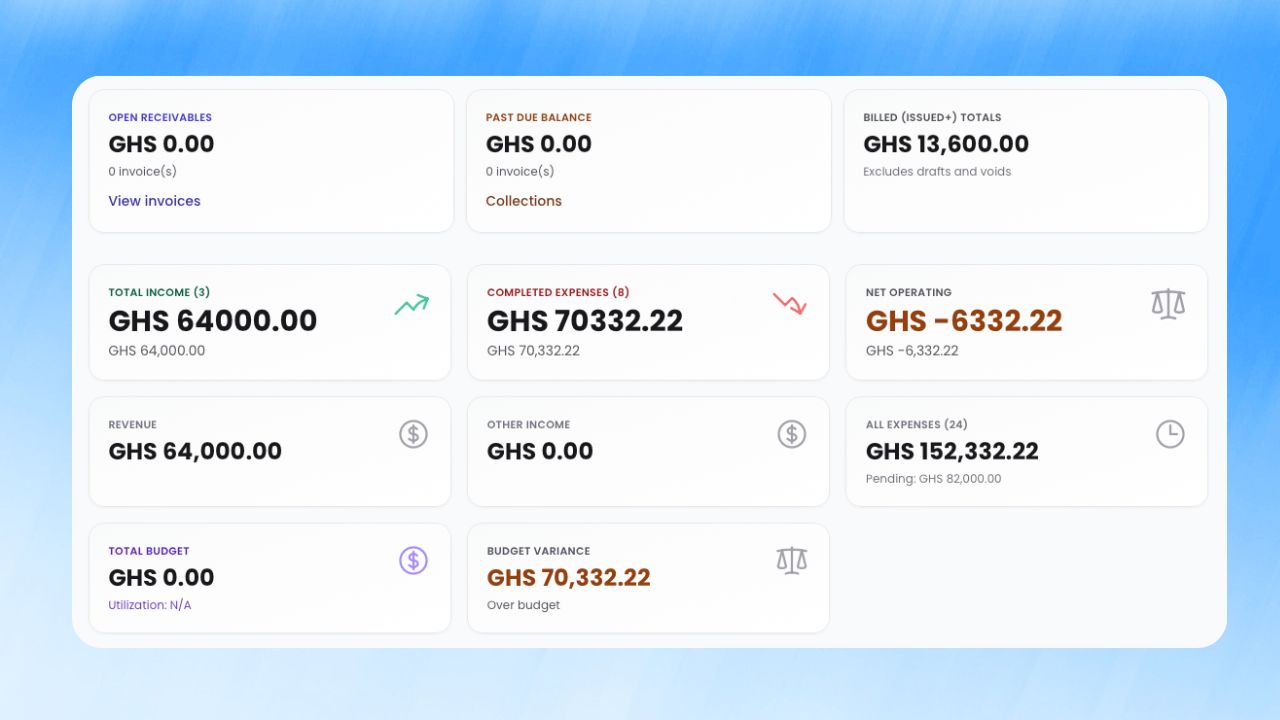
Step 1: Configurable chart of accounts
Set up your chart of accounts and fiscal year in workspace settings.
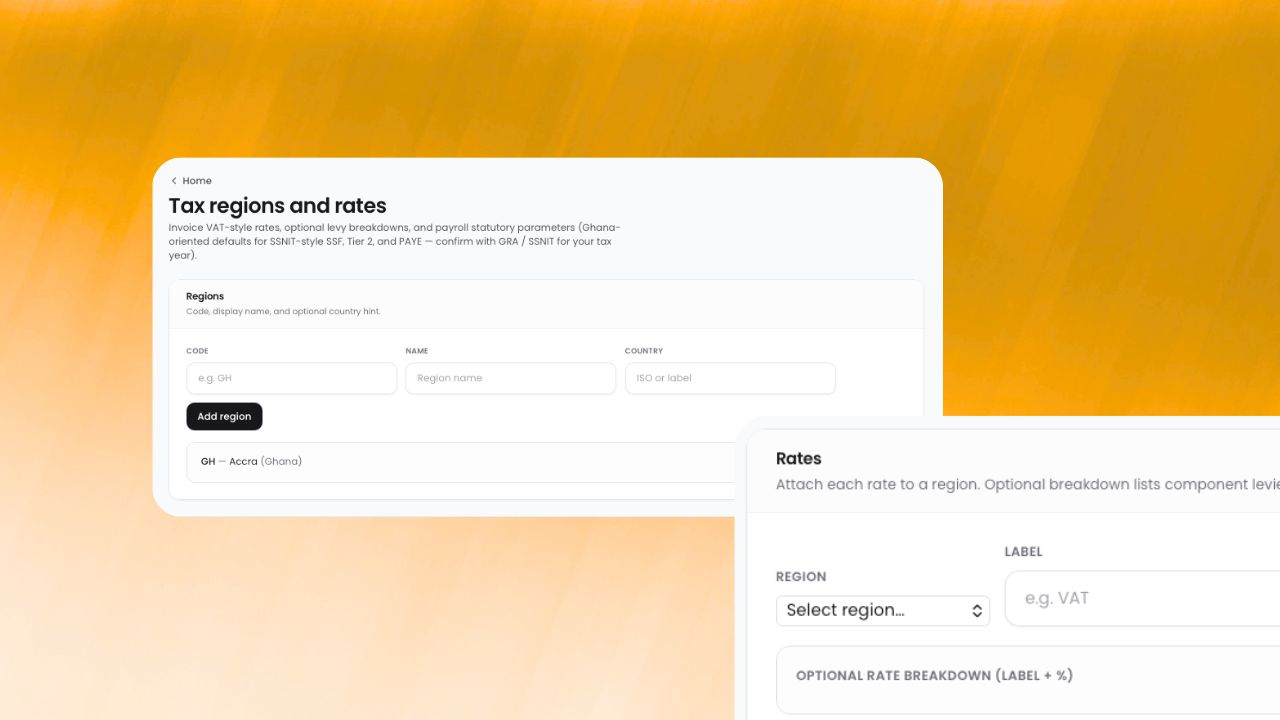
Step 2: Automatic journal posting from approved transactions
When automatic ledger recording is enabled, approved expenses, income, invoices, and payroll create journal entries.
Step 3: Bank reconciliation and ledger health checks
Run trial balance, balance sheet, and cash flow reports; reconcile against bank statements to verify balances.
How businesses benefit
Business impact 1
Close books without exporting to another tool by replacing manual back-and-forth with a single workflow that is easier to monitor, easier to audit, and easier to scale.
Business impact 2
Give accountants clean, posted data by replacing manual back-and-forth with a single workflow that is easier to monitor, easier to audit, and easier to scale.
Business impact 3
Maintain audit-ready records year-round by replacing manual back-and-forth with a single workflow that is easier to monitor, easier to audit, and easier to scale.
Works well with
Built for growing teams
Run general ledger with less friction and more confidence.
ParmLedger gives finance and operations teams one reliable operating layer. You spend less time fixing process gaps and more time improving profitability, compliance, and execution speed.