Let Customers Book Appointments and Reservations Online helps teams run forms & bookings workflows with clarity and control. Customers pick an available time on your own booking form. Full slots disappear so nothing gets double-booked, and a deposit can secure the booking.
Let Customers Book Appointments and Reservations Online
Customers pick an available time on your own booking form. Full slots disappear so nothing gets double-booked, and a deposit can secure the booking.

What Online Bookings does
Instead of using disconnected spreadsheets, emails, and approvals, your team works from one structured process. Core capabilities include time slots built from your opening hours, capacity per slot for one-to-one or group bookings, deposits or full payment when customers book, so operations stay consistent as the business grows.
This means leaders get better visibility, teams spend less time on manual coordination, and finance decisions are made using reliable data rather than assumptions.
What's inside
A closer look at everything Online Bookings includes today.
Availability rules
NewOnly offer times you can actually serve.
- Weekly opening hours, with more than one opening period per day
- Booking length from minutes to hours, plus a buffer between bookings
- Minimum notice and how far ahead customers can book
- Closed dates for holidays and days off
- Times shown in your chosen timezone
Capacity
NewCount bookings or people per slot. When a slot is full it is hidden, and if two customers try for the last place at once, the second is asked to pick another time.
- One-to-one appointments for salons, clinics, and consultants
- Party size for restaurants, classes, and tours
Deposits and payment
NewRequire payment to confirm a booking, or let customers choose to pay now or later.
- Fixed amount or percentage deposit
- Unpaid required bookings free their slot after 30 minutes
- Payments recorded as sales income automatically
Upcoming bookings view
NewSee what's coming up in date order, then confirm, complete, or cancel with an automatic email to the customer.
How it works in your business
Step 1: Time slots built from your opening hours
Set your opening hours for each day, the length of each booking, and any break between bookings. Add closed dates for holidays and days off.

Step 2: Capacity per slot for one-to-one or group bookings
Choose how many bookings — or how many people — each slot can take. Use 1 for appointments, or more for tables, classes, and tours.
Step 3: Deposits or full payment when customers book
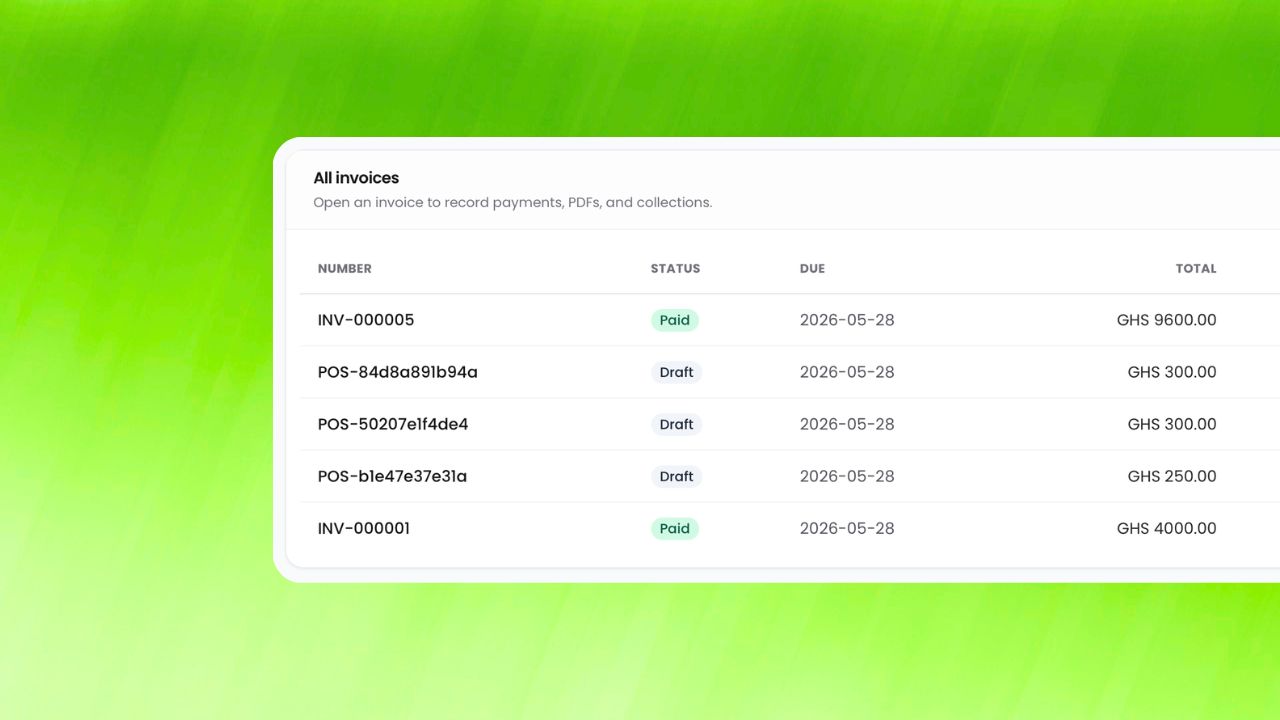
Ask for a deposit or the full price online. If a required payment isn't completed, the slot is released after 30 minutes for someone else.
How businesses benefit
Business impact 1
Fill your calendar without phone tag by replacing manual back-and-forth with a single workflow that is easier to monitor, easier to audit, and easier to scale.
Business impact 2
Cut no-shows with deposits by replacing manual back-and-forth with a single workflow that is easier to monitor, easier to audit, and easier to scale.
Business impact 3
Give your team a clear view of upcoming bookings by replacing manual back-and-forth with a single workflow that is easier to monitor, easier to audit, and easier to scale.
Works well with
Built for growing teams
Run online bookings with less friction and more confidence.
ParmLedger gives finance and operations teams one reliable operating layer. You spend less time fixing process gaps and more time improving profitability, compliance, and execution speed.